> For the complete documentation index, see [llms.txt](https://learn.cozmos.com/llms.txt). Markdown versions of documentation pages are available by appending `.md` to page URLs; this page is available as [Markdown](https://learn.cozmos.com/guides/analytics/matomo-analytics.md).
# Matomo Analytics
Configure Matomo to track event data from your spheres.
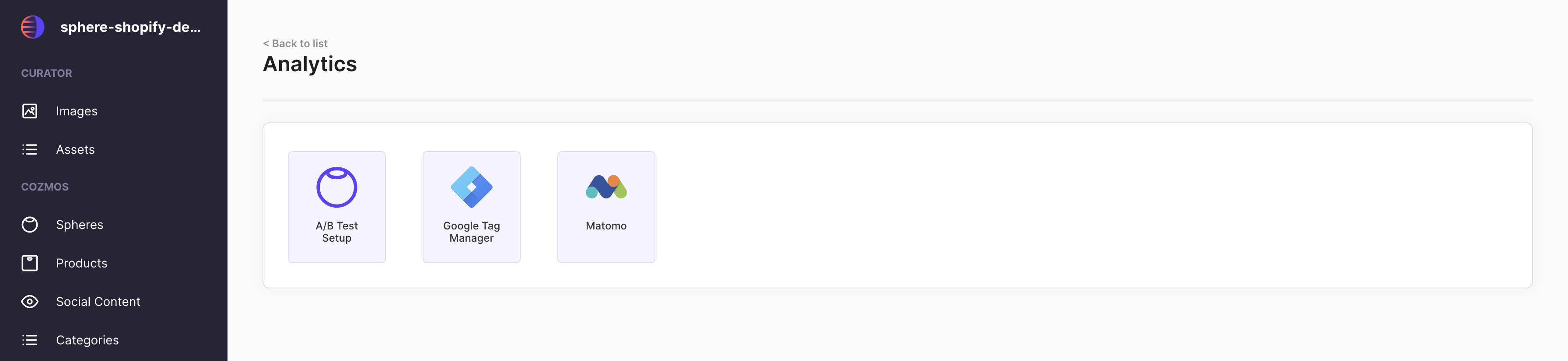
To configure your Matomo account to track event data, go to Setting/Analytics in your Cozmos Space and select Matomo
Before you continue with the setup, please ensure you add any required [custom domains](/guides/domain-management.md) to both your Cozmos Space and your Matomo account. The Matomo Site ID input in Cozmos will be blocked until you add the custom domains.
Once custom domains have been connected, you will be able to input Site IDs and save the changes to begin generating data in Matomo. Please note, each domain requires a unique ID.
{% hint style="warning" %}
Please note. By adding your Matomo data to Cozmos, you take full responsibility for ensuring your cookie policy is aligned with any changes and disclaiming to end users of affected Spheres, the data and type you are gathering.
{% endhint %}